A mat with more than one opening
A framer can cut a mat with several windows, so that two or more prints share one frame: a couple’s two portraits, the before and after of a room, three generations in a row. This page does that with your photos. Choose two to four of them and they are dropped into a white mat, one per opening, in the order you picked them. The layout follows the number of photos — two side by side, three in a row, four in a grid — and can be changed to two stacked or three with one large opening at any time.
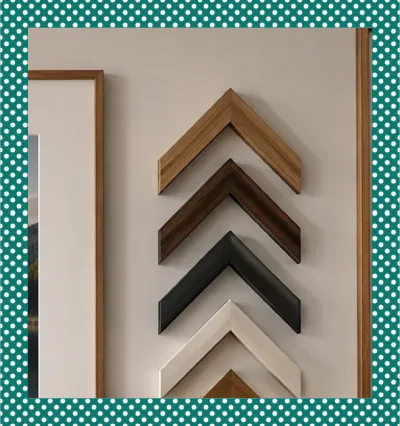
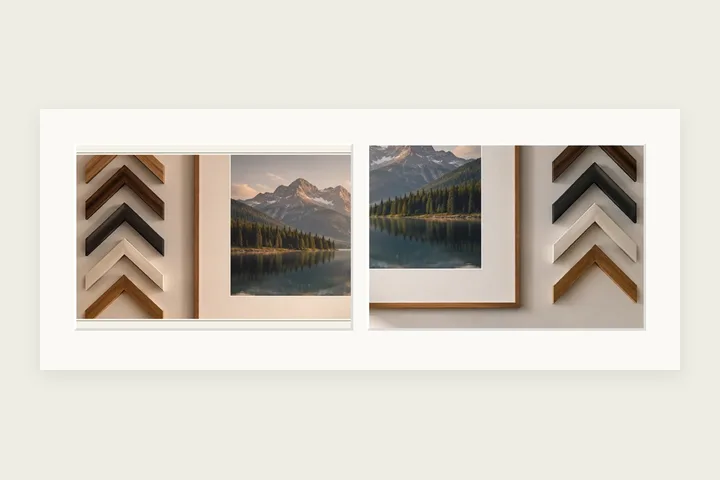
Every opening has the same shape, landscape 3:2 to begin with, and each photo fills its opening with the largest piece of itself that has that shape. Pick a photo in the list to zoom it and move it inside its window. Drag one photo onto another to swap them, or use the Swap button. The mat is one piece: its colour, width, the gap between the windows, the slightly heavier bottom and the bevelled cut round each window are shared, and an outer moulding in gold, silver, black or wood can go round the whole thing. A caption is written on the bottom of the mat in one of four faces.
Putting photos in one frame
- 1Choose two, three or four photos together.
- 2Pick a layout and an opening shape.
- 3Zoom and move each photo in its opening; swap any two.
- 4Set the mat, moulding and caption, then save.
Limits worth seeing before export
- Openings are fixed and the same shape. It is a mat, not a collage: photos cannot overlap or be placed freely.
- Every photo is cropped to its opening. Pick an opening shape close to your photos’ own to lose the least.
- Very large photos are opened at a lighter working size so four of them fit in memory; the Save button shows the size you will get.
Questions about photos in one frame
How big is the saved picture?
The openings take their size from your smallest photo at its own resolution, so no photo is enlarged — up to 3000 px on a small opening’s long side — and the mat is added around them. The Save button shows the exact size before you save. If that is more than this browser can draw, it saves at the largest size it can and says so.
Can I choose which part of each photo shows?
Yes. Pick a photo in the list, then use Zoom and the two Move sliders. Each opening shows the largest piece of its photo that has the opening’s shape, zoomed and moved as you set it.
Can the photos be different sizes or overlap?
No. This is a mat with fixed openings, the way a framer cuts one: the small openings are all the same shape, and the large one in the “1 + 2” layout spans two rows. Free placement and overlapping photos are a collage, which this site does not make.
Are my photos uploaded?
No. They are opened, drawn and saved inside this tab. The page makes no request carrying them.
Other frame families
- Photo matA gallery mat with a bevelled cut, weighted bottom, V-groove or double mat, in millimetres.
- Gold photo frameA carved gold, silver, lacquer or wood moulding with mitred corners and corner motifs.
- Many photos at onceOne border on a whole folder of photos, by exact width, share or ornament scale, as a ZIP.