An old print, without a filter
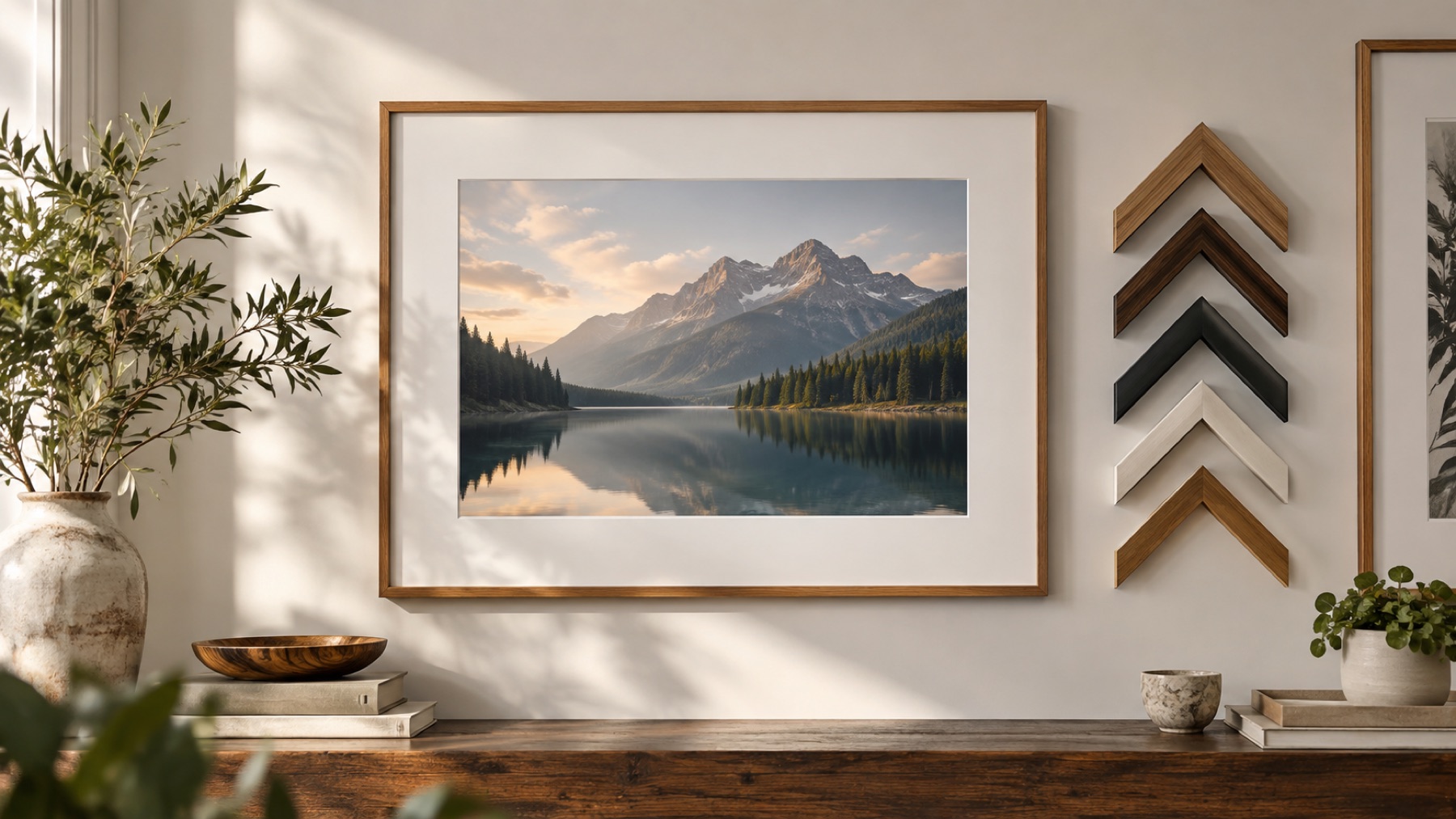
What makes a photograph look like it came out of a shoebox is mostly the paper round it: a cream or ivory border gone slightly warm, a soft irregular edge, a surface you can almost feel. This page opens the studio on exactly those three things. The frame is a deckled edge in a cream tone, set outside the picture so no part of the photo is lost, with the paper texture turned on under Finish.
Each part is a control. The deckle comes from a seed, so Draw another tear gives a different edge and the number keeps one you like. The border colour can be any colour, or one of the Match photo suggestions taken from the picture itself, which usually gives a more believable old tone than a stock sepia. Paper can become canvas, linen or grain. Corners can be left square, as a deckled edge makes its own.
Making a vintage border
- 1Open the photograph. It gets a cream, deckled border with a paper texture.
- 2Press Draw another tear for a different edge.
- 3Under Colour, try a Match photo suggestion for the border tone.
- 4Save at full size as PNG, JPG or WebP.
Limits worth seeing before export
- A very busy photo can make the deckled edge hard to see; a wider border helps.
- JPG writes the area outside the deckle white; PNG and WebP keep it clear.
Questions about the rendered frame
- Is this a filter that makes the photo look old?
- No. The photo itself is not changed; the border is. A deckled edge, an aged paper colour and a paper texture are what make a print look old. If the photo itself should look faded, that is a separate edit made before this one.
- What is a deckled edge?
- The soft, irregular edge that hand-made paper has where it met the mould, and that old photographic papers imitated. It is gentler than a torn edge. Draw another tear gives a different deckle; the seed keeps one you like.
- Can I use a darker, sepia border?
- Yes. The border colour is an ordinary colour slot under Colour. Match photo suggests colours taken from the picture, which often gives a better old-print tone than a stock sepia.
- Will the texture look blurry on a large print?
- No. The paper texture is drawn as fine marks at the size of the file, not stretched from a small image, so it is as sharp in a 6000-pixel file as on the screen.