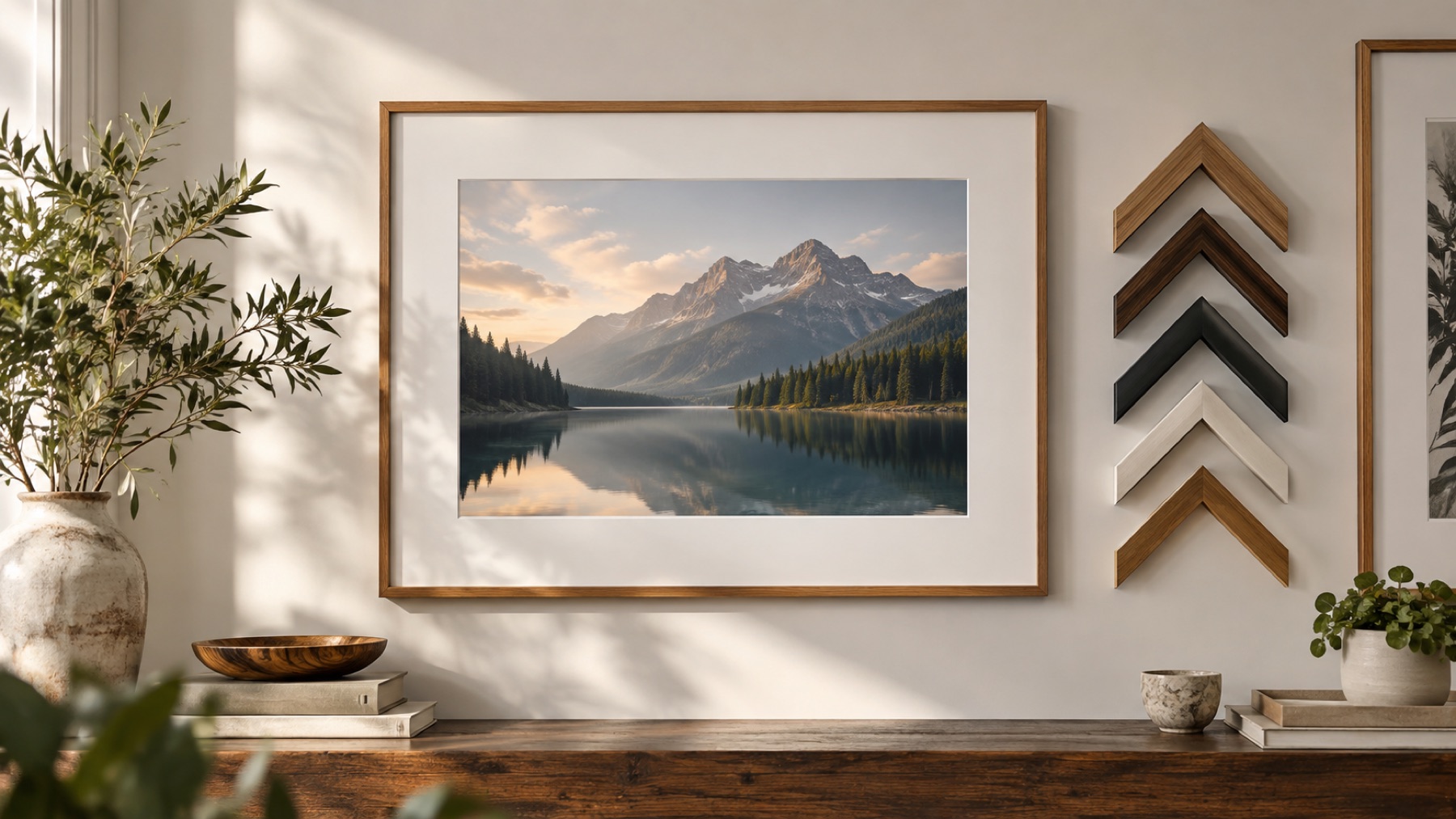
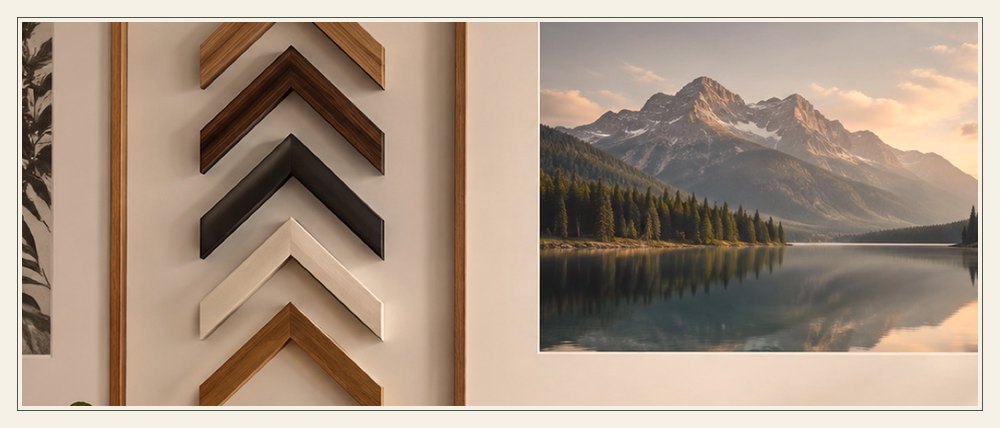
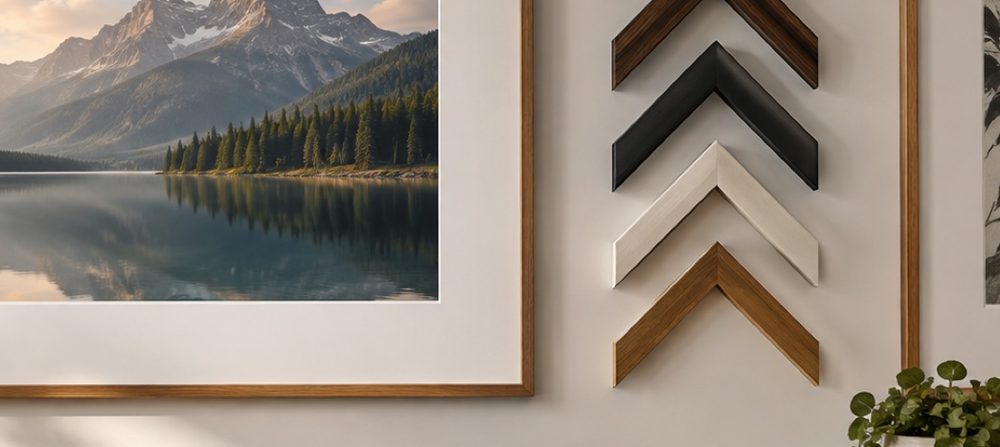
The frame without the photo
The studio has always drawn the frame separately from the picture: the photo on a canvas, the frame as vector paths over it. Saving the frame on its own is therefore the same drawing with the photo left out and the opening cleared to full transparency — not a cut-out of a finished picture. This page opens with Save set to Frame only, so the file you get is an overlay ready for another editor, a slide or a web page.
Any of the frames on the shelf can be saved this way, at the size and proportions of the photo you open, of a fit target, or of a typed width and height. Choose PNG or WebP for pixels, or SVG for frames that are pure geometry — the exact string the site’s frame validator checks on every build, with any caption face inlined. A matching opening mask, white where the picture shows, is one more option for tools that want one.
Saving a frame overlay
- 1Open any photo to set the size; pick a frame from the shelf.
- 2Style it — colours, width, caption — as usual.
- 3Under Save, keep Frame only and choose PNG, WebP or SVG, or pick Opening mask.
- 4Save. The opening is fully clear in the file.
Limits worth seeing before export
- A frame that follows a picture — the sticker outline — has nothing to save on its own, so Frame only is unavailable for it.
- In an SVG the caption face is embedded, which adds about 50 KB per face used.
Questions about the rendered frame
- Why do I need to open a photo to get a frame?
- The photo sets the frame’s proportions and size, so the overlay fits it exactly. To make a frame of a particular size without a photo in mind, open any picture and set Fit to Custom size with the width and height you want.
- Why is there no JPG option?
- JPG cannot store transparency, so the opening would be filled with a colour and the overlay would not be an overlay. PNG and WebP keep it clear; SVG keeps it as paths.
- What is in the SVG file?
- The same vector frame the studio draws: paths, gradients and patterns, with any caption face inlined so the file needs nothing else. Shadows, the blurred fill and outlines are canvas pixels, so they are not in an SVG; the PNG carries them.
- What is the opening mask for?
- Some editors want an overlay and a separate mask to place a photo behind it. The mask is a PNG the same size as the frame, white exactly where the opening is and black everywhere else.