Border styles, side by side
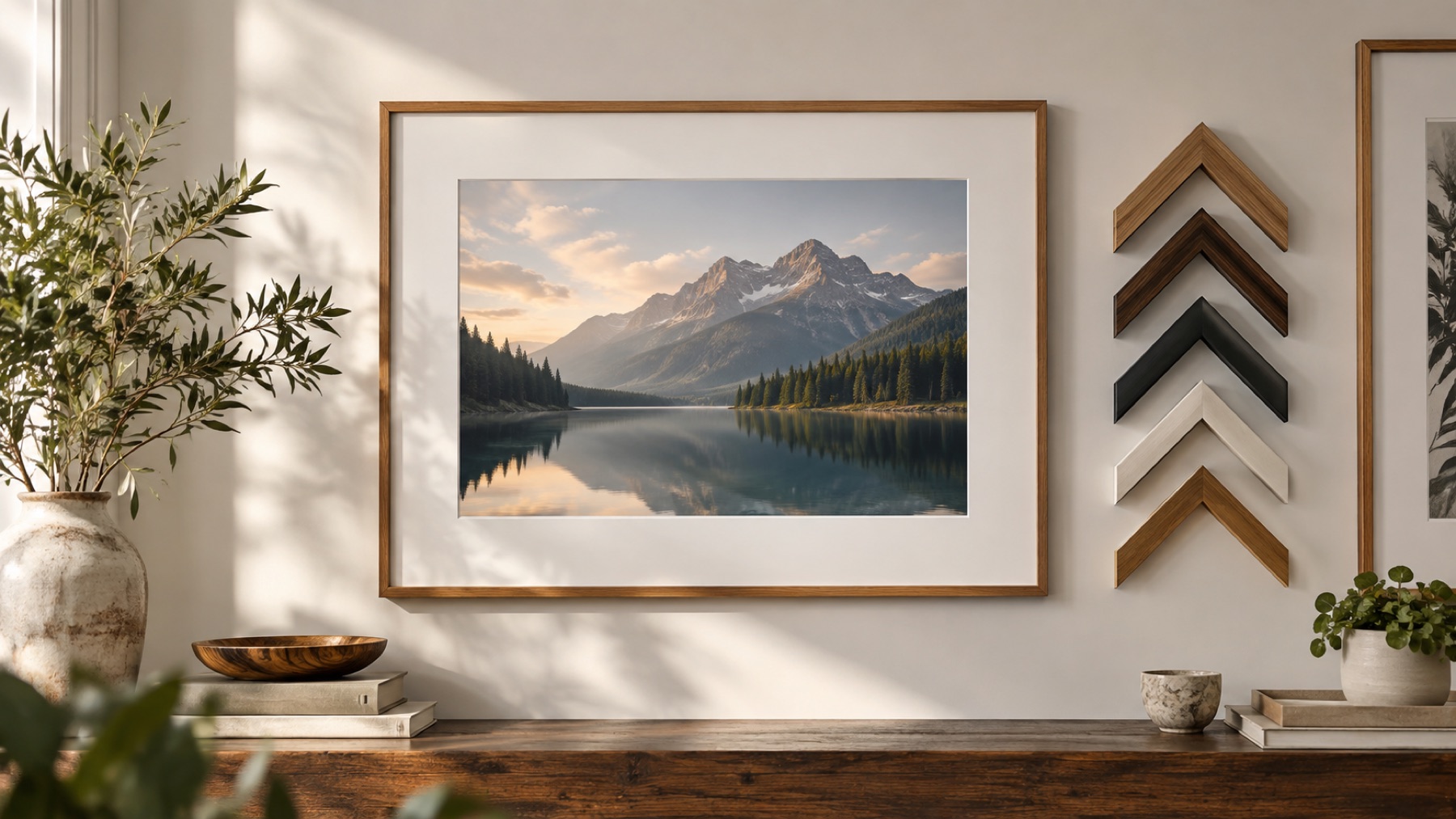
The eight everyday styles, drawn here by the same renderer the tool uses, around a drawn landscape. Each one opens in the tool on your own photograph.
A style is a starting point, not a template: every one of them keeps its thickness, colours, corners, shadow, background and texture editable, and Match photo will recolour any of them from the picture in one tap. The decorative families — scallops, tears, glows, stripes — live in the same style browser, one tab along.
Clean
A plain band in one colour. It separates a picture from a busy feed or a coloured page without saying anything of its own, which is why it is the default.
Controls: Thickness, inside or outside, one colour, corners, shadow.
Open clean on your photoRounded
The clean band with round corners and a soft shadow, so the picture reads as a card lifted off the page. Put a background colour behind it and the corners stop being transparent.
Controls: Thickness, corner shape, shadow strength, background and margin.
Open rounded on your photoFilm strip
A dark strip with sprocket holes along the top and bottom. The holes are counted per side so the last one sits as far from the corner as the first, at any size.
Controls: Thickness, film and hole colours, inside or outside.
Open film strip on your photoInstant print
Even sides and a deep bottom margin, the proportion of an instant print. It opens added around the picture so the chin never covers the subject.
Controls: Thickness, bottom margin, paper colour, shadow.
Open instant print on your photoScrapbook
A deckled paper edge with two strips of tape across the top corners, as if the print had been stuck into an album. The tear is seeded, so the same number draws the same edge again.
Controls: Thickness, tear depth, tape opacity, paper and tape colours, a new tear.
Open scrapbook on your photoSoft vignette
A soft darkening toward the edges rather than a band with a line. It suits portraits and close-ups where a hard edge would compete with the subject.
Controls: Reach, strength, shade colour.
Open soft vignette on your photoGradient rim
A plain border with a ring of gradient where it meets the picture. Match photo builds the ring from two of the picture's own colours in one tap.
Controls: Thickness, rim width, border and two rim colours, corners.
Open gradient rim on your photoDual tone
Two concentric bands, like a mat inside a frame. The split decides how much of the border is the inner tone.
Controls: Thickness, inner share, outer and inner colours.
Open dual tone on your photo
Choosing between them
Start from the picture, not the style. A busy photograph wants the quietest border that still separates it from the page — clean or rounded, thin, in a colour taken from the picture. A quiet one can carry a film strip, an instant print or a scrapbook edge, because there is room for the border to say something. Portraits often want no line at all, which is what the soft vignette is for.
Then check it small. Most borders are seen as a thumbnail first, and a border that vanishes at that size is too thin; one that becomes the subject is too heavy. The guide on choosing a frame makes the longer version of that argument.